 kern
kernAnki Alternatives for Books
Anki is excellent spaced repetition software. For most people trying to hold on to the books they read, though, it's the wrong tool.
If you have downloaded Anki, built a deck for one book, and then not opened it since, you are in the majority. The cause is usually the tool rather than your discipline, and it helps to understand why before you look for a replacement.
Why Anki and books get along badly
Anki was built for facts that arrive in pairs. Kanji and meaning. Drug and mechanism. Capital and country. Medical students push three hundred cards a day through it and it holds up, which is remarkable for free software maintained by a very small team.
Book ideas are not shaped that way. An argument from a chapter of Thinking, Fast and Slow does not reduce to a front and a back on its own. Someone has to decide which twenty ideas in the book are actually testable, phrase each one so it has one recallable answer, and keep the wording tight enough that you are recalling the idea rather than recognising your own sentence from three weeks ago. That is editorial work, and it's most of the effort.
Anki doesn't help with any of that. It schedules whatever cards you give it, and it does that very well.
So the real cost of Anki for books is the two to four hours per book you spend before reviewing a single card. Doing it once is fine. Doing it for eleven books a year is close to a part-time job, which is why most people stop after the first.
Writing your own cards is genuinely better for memory than having them written for you. The act of deciding what matters and phrasing it is itself a retrieval exercise. Every tool below that removes the work also removes that benefit. What matters most is which one you'll still be using in a few months.
What actually separates these tools
Ignore feature lists. For books, four things decide whether you stick with it:
- Who writes the cards. The single biggest variable, and the one most comparisons skip.
- Scheduling quality. FSRS is the current state of the art and Anki has it built in, free, on every platform. Most competitors use something simpler.
- Where you review. Book review happens in five minute gaps, standing up. Phone matters more than desktop.
- Whether it covers the books you actually read. Pre-made decks are wonderful until the title you want is not there.
The six options
1. Anki, unchanged
Start here, because for a certain kind of person the answer is to stop shopping. Free on desktop, free on Android through AnkiDroid, $24.99 once on iPhone. FSRS is included everywhere at no cost. Nothing else on this list matches it for scheduling quality or long-run price, and the $24.99 funds the free versions.
The shared deck library does contain some non-fiction decks. Coverage is thin outside languages, medicine and test prep, and quality is a lottery. Check AnkiWeb for your specific title before assuming you will have to write it yourself, but do not expect much.
Pick it if you will genuinely write the cards, or you want one system for books and everything else in your life.
2. Mochi
Roughly Anki with better taste and a tenth of the settings. Markdown cards, clean sync, a free tier that covers normal use, and Pro at $5 a month or $50 a year. The scheduling is good without being Anki good.
It fixes the interface complaint, which is fair, but not the card-writing problem. If you disliked how Anki looks, try Mochi. If the workload was the issue, you'll have the same problem in a nicer app.
3. RemNote
Notes and flashcards in the same document, so cards emerge from notes you were taking anyway rather than as a separate chore afterwards. Free tier includes unlimited notes and cards. Pro runs around $8 a month billed annually.
This is the best fit on the list for people who already keep a reading notebook, and a poor fit for everyone else. If you do not currently take notes while reading, RemNote asks you to start, and you will be adding a habit rather than removing one.
4. Quizlet
It's here because people ask about it. Easier than everything else here and built for coursework, with weaker scheduling and a library aimed at students. Fine for vocabulary. Not a book retention tool, and the ads and upsells wear thin. If you want the wider field including Readwise and the summary apps, see best apps to remember what you read.
5. Loxie
A direct competitor, and one we'd recommend. Loxie keeps a catalog of popular non-fiction titles with pre-written spaced repetition questions, served as a short daily drill. Same core insight as Kern: the cards are the bottleneck, so somebody else should make them.
The tradeoff is the catalog. Because the questions are pre-written per title, coverage is whatever they have built so far. That is a real strength for mainstream business and self-help, where their decks are solid, and a real limit the moment you finish something less popular. Try it alongside Kern and keep whichever fits your shelf.
6. Kern
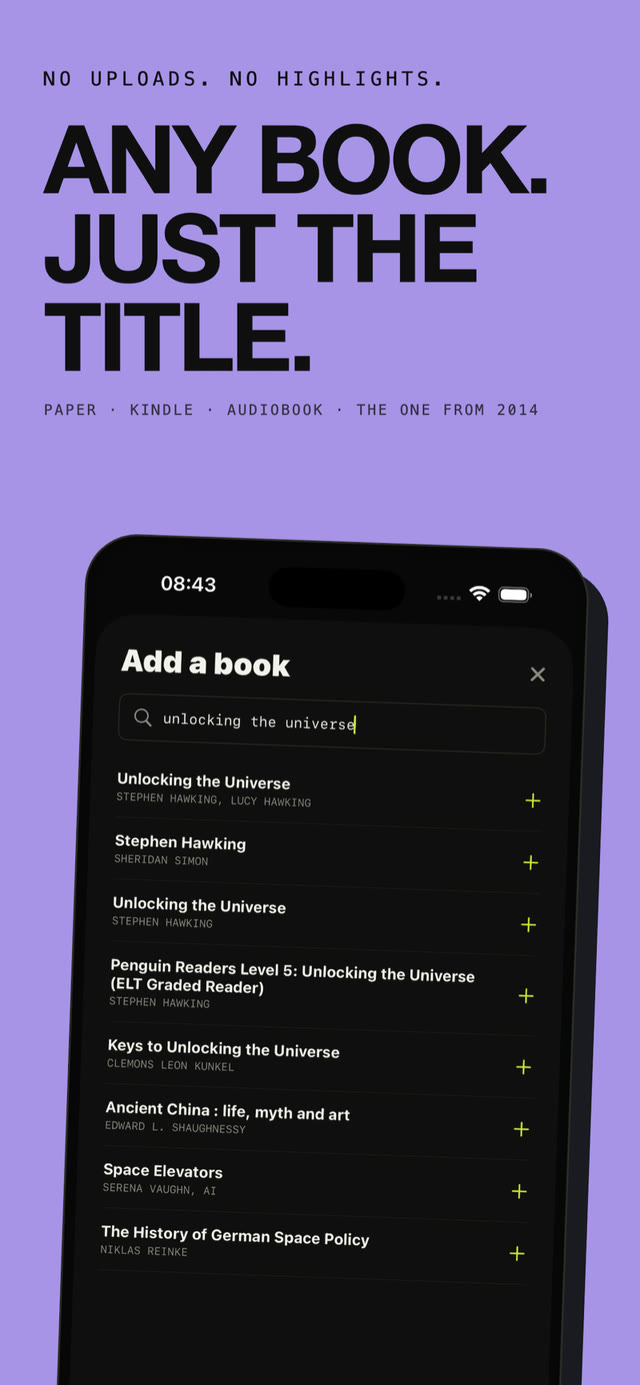
Ours, so weigh it accordingly. You type a title, you get cards for that book in a few seconds, and you review them in one feed alongside every other book you have added. No catalog to browse, because the cards are generated rather than pulled from a library, which is why it works for a 1998 management book or something you read on paper in university.
No highlights to upload, no notes, no account, no sign-up. First book is free. After that, Kern Plus unlocks unlimited books, or you can unlock a single book with a one-off purchase and keep it.
Cards are written from a book's ideas in original language. There are no verbatim quotes and no cover images, which is deliberate.
Side by side
| Tool | Who writes cards | Platforms | Price | Best for |
|---|---|---|---|---|
| Anki | You | Desktop, iOS, Android, web | Free, $24.99 on iPhone | Control, and everything besides books |
| Mochi | You | Desktop, iOS, Android | Free tier, $5/mo Pro | Anki refugees who want a nicer app |
| RemNote | You, from notes | Desktop, iOS, Android, web | Free tier, ~$8/mo Pro | People who already take reading notes |
| Quizlet | You or community | Everywhere | Free tier, paid upgrade | Coursework, not books |
| Loxie | Pre-written per title | iOS, web | Free tier, paid | Mainstream non-fiction in their catalog |
| Kern | Generated per title | iPhone | First book free, then Plus | Any book you have finished, including obscure ones |
Which one to pick
You will actually write the cardsUse Anki. Nothing here beats it, and the alternatives are mostly solving a problem you do not have.
You already take notes while readingRemNote. The cards fall out of work you are doing anyway, which is the cheapest card-writing there is.
You liked Anki but not looking at AnkiMochi. Go in knowing the workload is unchanged.
You want the cards made for youKern or Loxie. Try both. Loxie if your reading sits inside their catalog, Kern if it wanders.
You are on AndroidNot Kern, which is iPhone only. AnkiDroid is free and excellent, and RemNote works well on Android.
Where Kern is the wrong answer
A comparison that puts its own product first on every line isn't much use, so here's where Kern falls short.
- Android and desktop. There is no version. If you are not on an iPhone, stop here.
- You want to write your own cards. Then you should, and Anki is better at the job.
- Obscure titles. Cards come from what is known about a book, so a well-covered bestseller produces sharper cards than a self-published title from 2011. Popular non-fiction is where it is strongest.
- Textbooks, technical reference and fiction. Built for non-fiction ideas. Anki remains the right tool for exam material and anything you need word for word.
- Free forever. One free book, then it is paid. Anki on desktop costs nothing, ever.
Skip the card writing
First book free. No account, no sign-up, works offline.
Download on theApp StoreFrequently asked
Is there a free alternative to Anki?
Anki is already free on desktop and on Android through AnkiDroid. Only the iPhone app costs anything. If you are trying to avoid the $24.99, use Anki on desktop and AnkiWeb in your phone browser. Mochi and RemNote also have free tiers that cover ordinary use.
Can I get my book cards into Anki?
Mochi and RemNote both export. Catalog and generated tools like Loxie and Kern keep cards inside the app, so if a permanent exportable archive matters to you, stay with a tool you own the file for. That is a fair reason to choose Anki.
Does Anki have pre-made decks for books?
Some, in the AnkiWeb shared deck library. Coverage of popular non-fiction is thin and quality swings wildly, since anyone can upload. Search for your title before committing to writing it yourself, but plan on writing it.
Is spaced repetition even worth it for books?
For non-fiction you want to use rather than just to have read, yes. The forgetting curve is steep and reading is a single exposure. A few minutes of retrieval spread over months is the difference between being able to use an idea and only remembering that a book covered it. More on the mechanics in our guide to spaced repetition for books.